Get by
Subtotal
* Tax & shipping calculated at checkout.


Get by

Delivered by

(323) 438-0085
Talk to real personWe're offlineonline now

Our work schedule
Mon - Fri / 8am - 6pm
Saturday / 8am - 3pm
(You can call anytime during work time)
Delivery Options Choose at Chechout


Free Shipping
Arrives By

Rush Delivery
Arrives By

Need Sooner?
Call us! (323) 438-0085
*shipping options will be available during checkout.
Average response time: 5-7 mins
View our helpful tips for submitting your artwork and preparing your files.
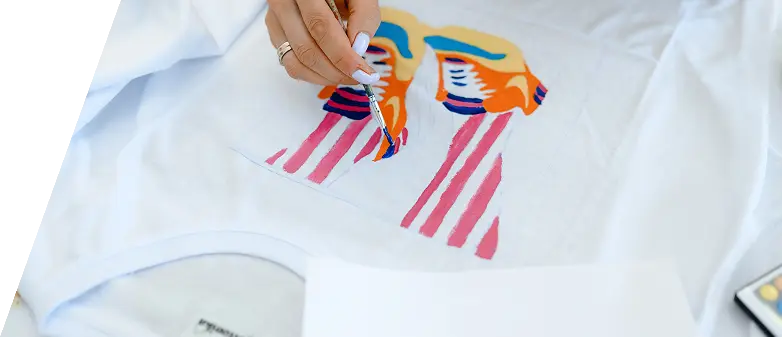



We only accept Adobe Illustrator or Adobe Photoshop files. For Adobe Photoshop files, they should be at least 300 dpi and include layers. In Illustrator, please convert text to outlines. Please note that orders with poor-quality artwork will not be processed.
Open photoshop
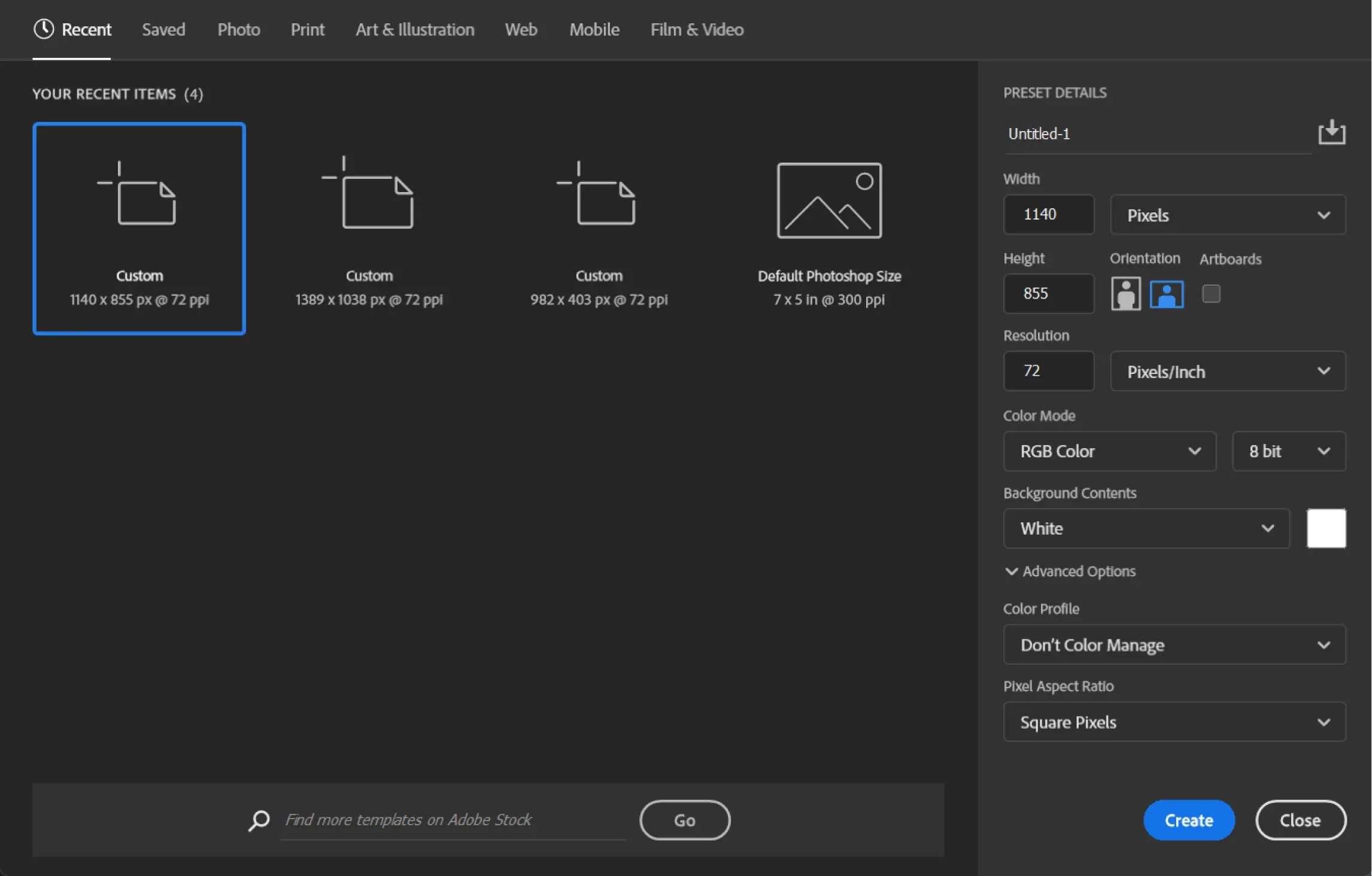
Generate a new file by using the shortcut key combination Ctrl + N (or Command + N for Mac users). Follow the step-by-step guidance provided in the accompanying image for precise instructions.
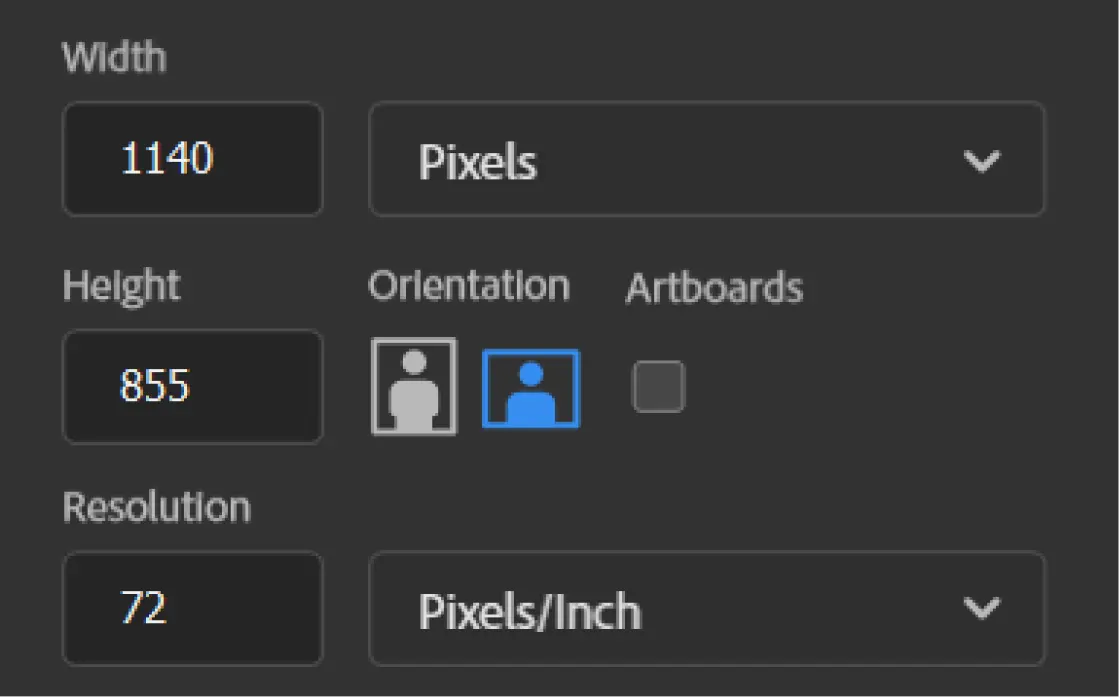
After completing step 2, you will encounter a window that corresponds to the guidelines depicted in the image below. Ensure your document dimensions are a minimum of 10 inches in width and set the resolution to at least 300 dpi for a higher-quality file. Before saving, confirm that the actual content within the document spans at least 9 inches in width
When using Photoshop, it's essential to employ layers consistently. This practice maintains file organization and provides you with the freedom to revisit, modify, or refine individual elements as needed. The process of creating layers is straightforward. On the right side of the Layer panel, you'll notice an icon resembling a folded piece of paper. Clicking on this icon will instantly generate a new layer for your project. (Refer to the image on the right for visual guidance.)
*Keep in mind that the file must have a resolution of 300 dpi to be suitable for printing.This is what the final result will look like. It's a good idea to separate every part to keep your file neat and easy to work with. This is often referred to as the MASTER file. (Check the image on the right for an example.)
NOTE: Do not merge or flatten your file.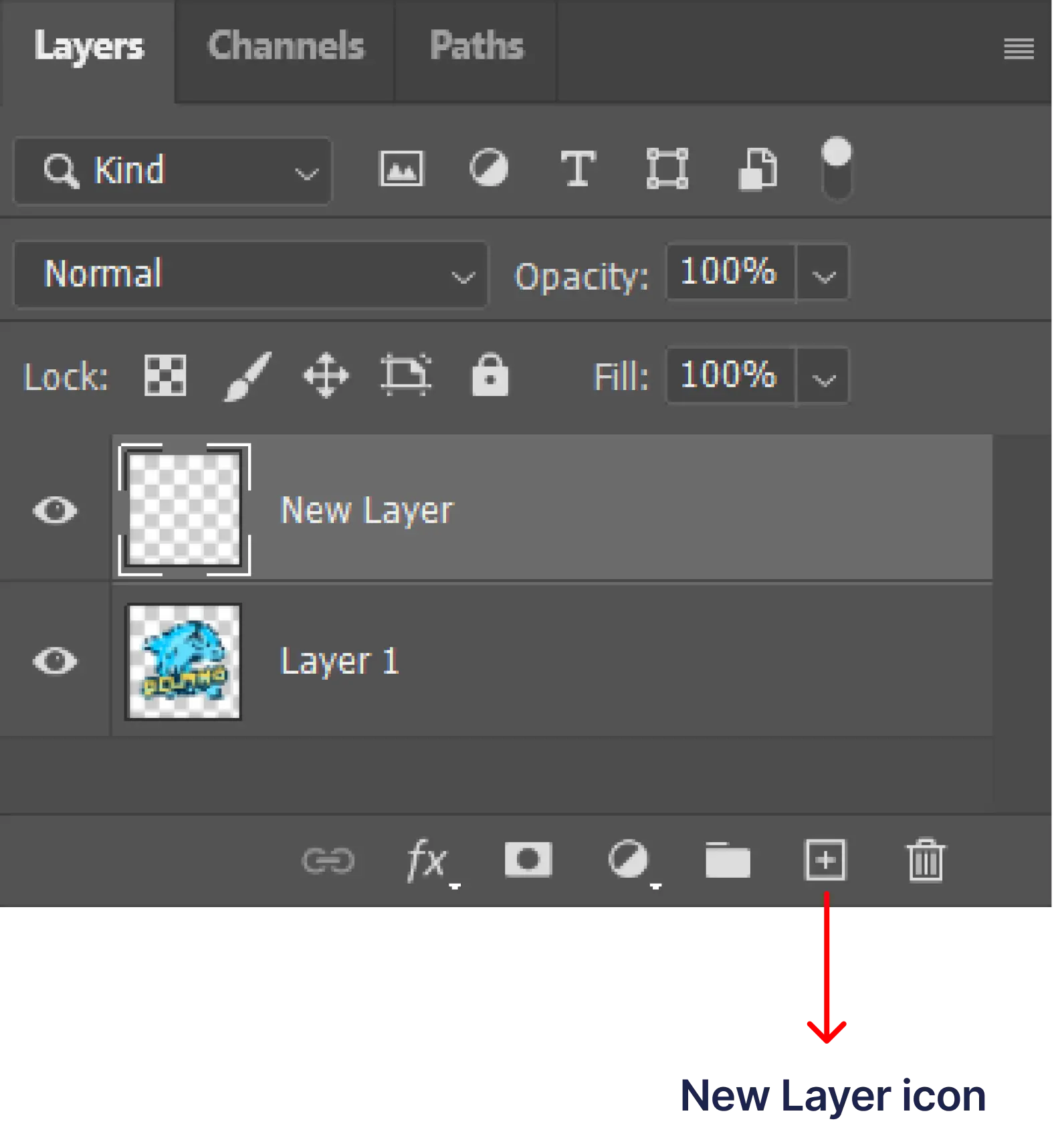
Adhering to these guidelines will greatly assist in expediting the process and ensuring efficiency in our services. To streamline the process, we kindly request the following regarding graphic sizing:

Kindly make sure to adjust the dimensions of Illustrator files to your desired size before proceeding

In the event you require different graphic sizes (subject to minimums), please be aware that this will incur an additional cost.

For Photoshop files, meet our size requirements. Share your preferred size with your sales representative or in your work order. Unsure about sizing? Let us handle it.

We'll adjust the graphic to match the smallest shirt for uniformity by default.
Resolution, in the context of images, refers to the level of detail within an image and is typically quantified in pixels per inch (PPI) or dots per inch (DPI). A higher PPI indicates greater resolution. Resolution is calculated by multiplying the number of pixels along an image's width and height. For screen printing, 300 DPI is the standard resolution to achieve high-quality prints. To better understand how resolution functions, please refer to the accompanying images for illustrative examples.
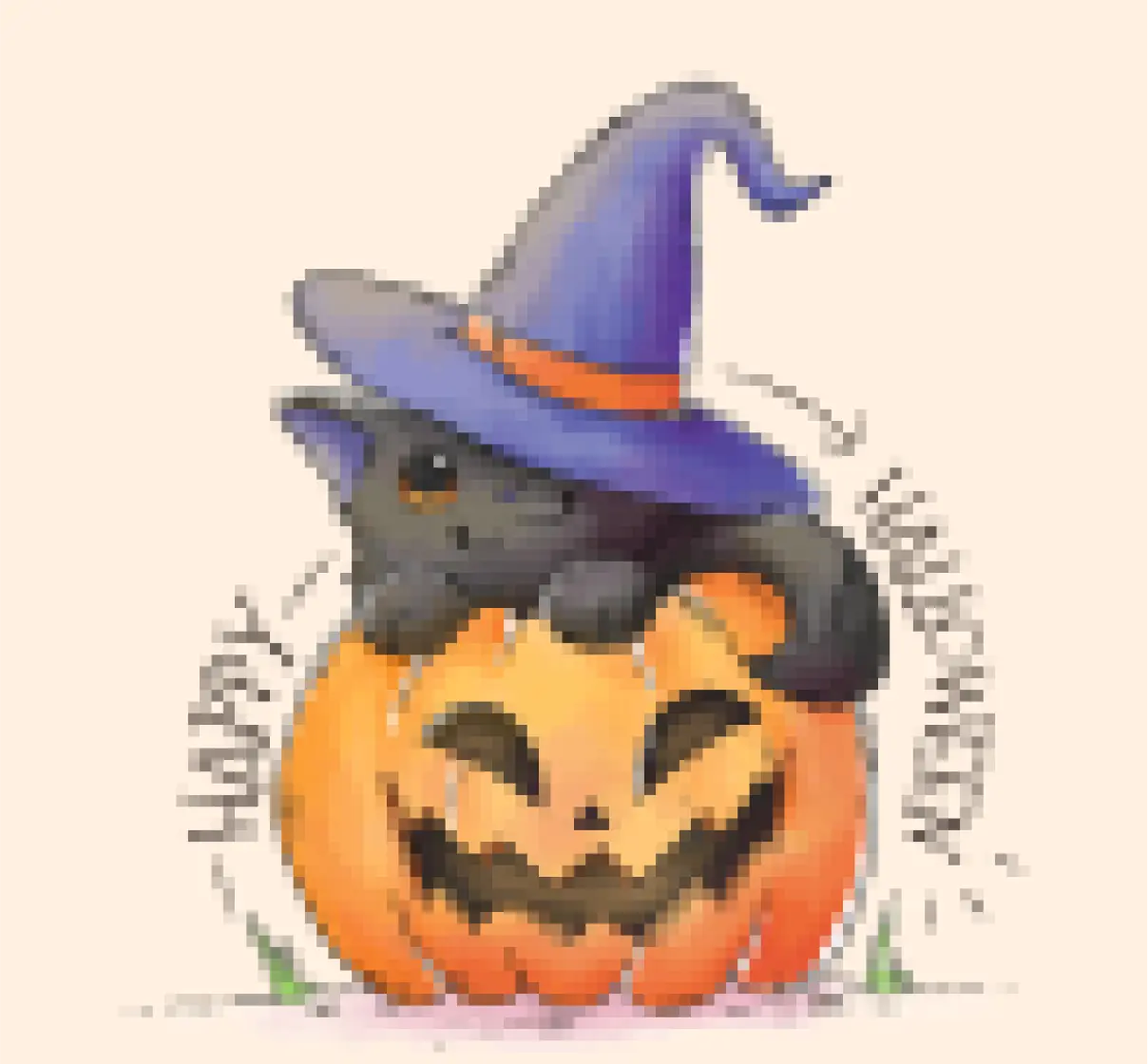
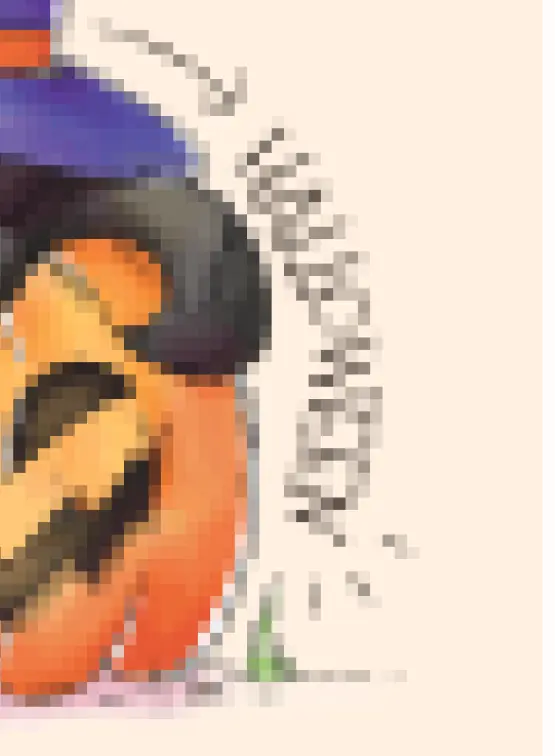
Do NOT do this because it will not resolve the problem
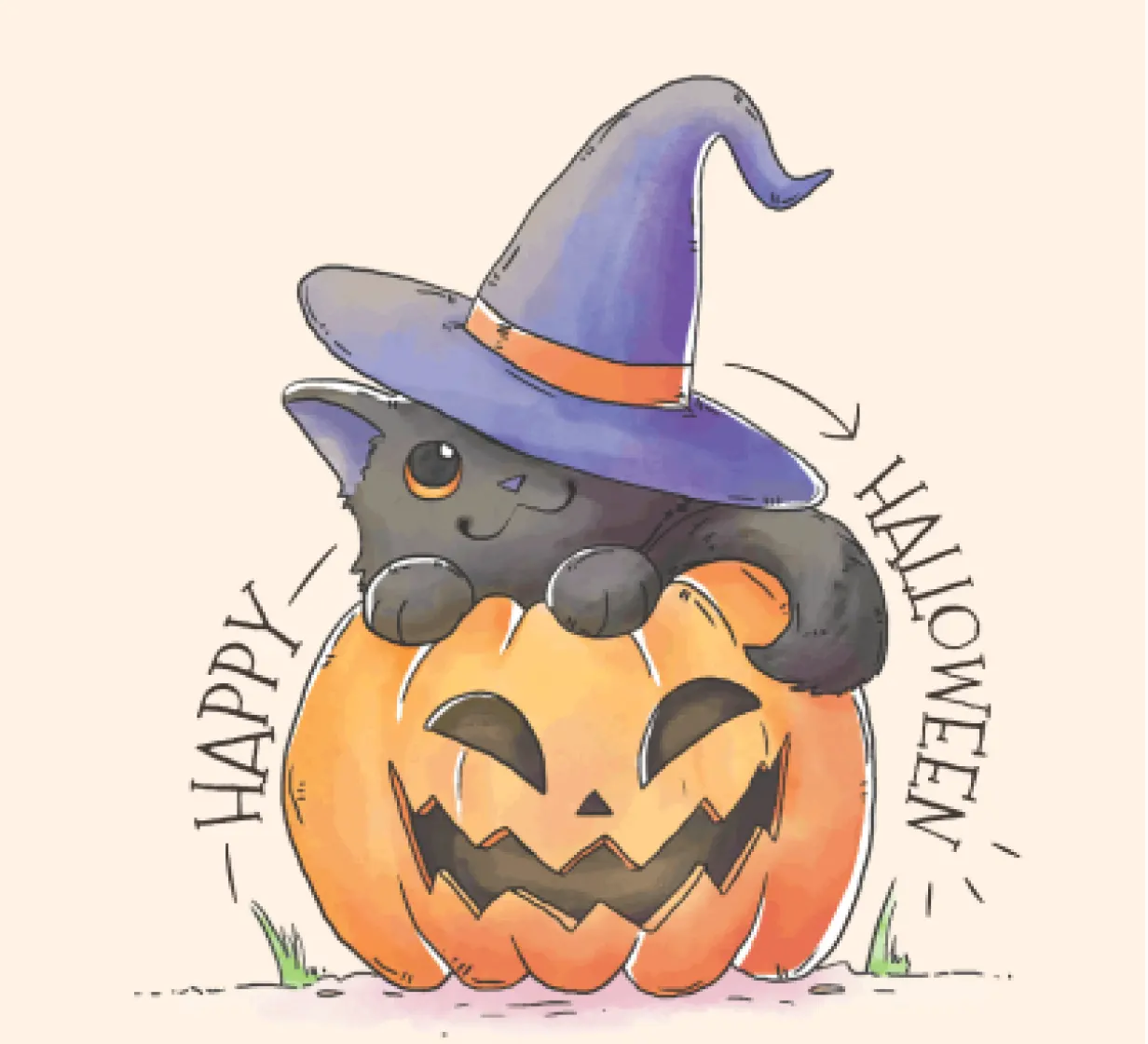
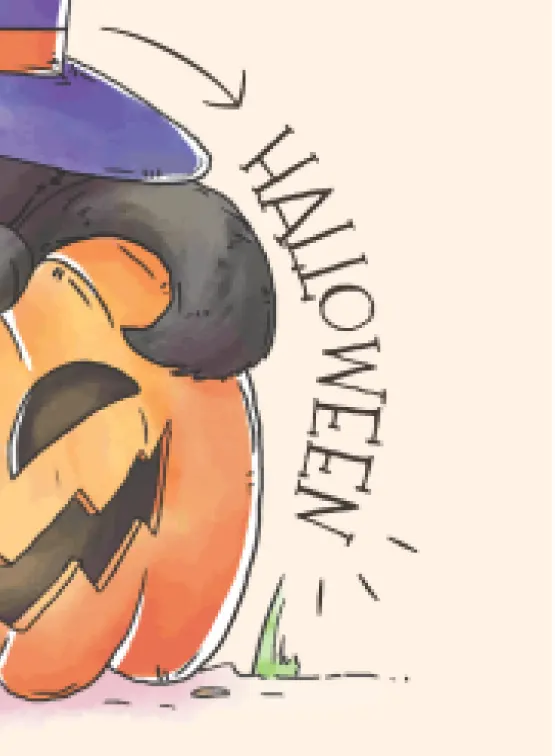
Do NOT do this because it will not resolve the problem
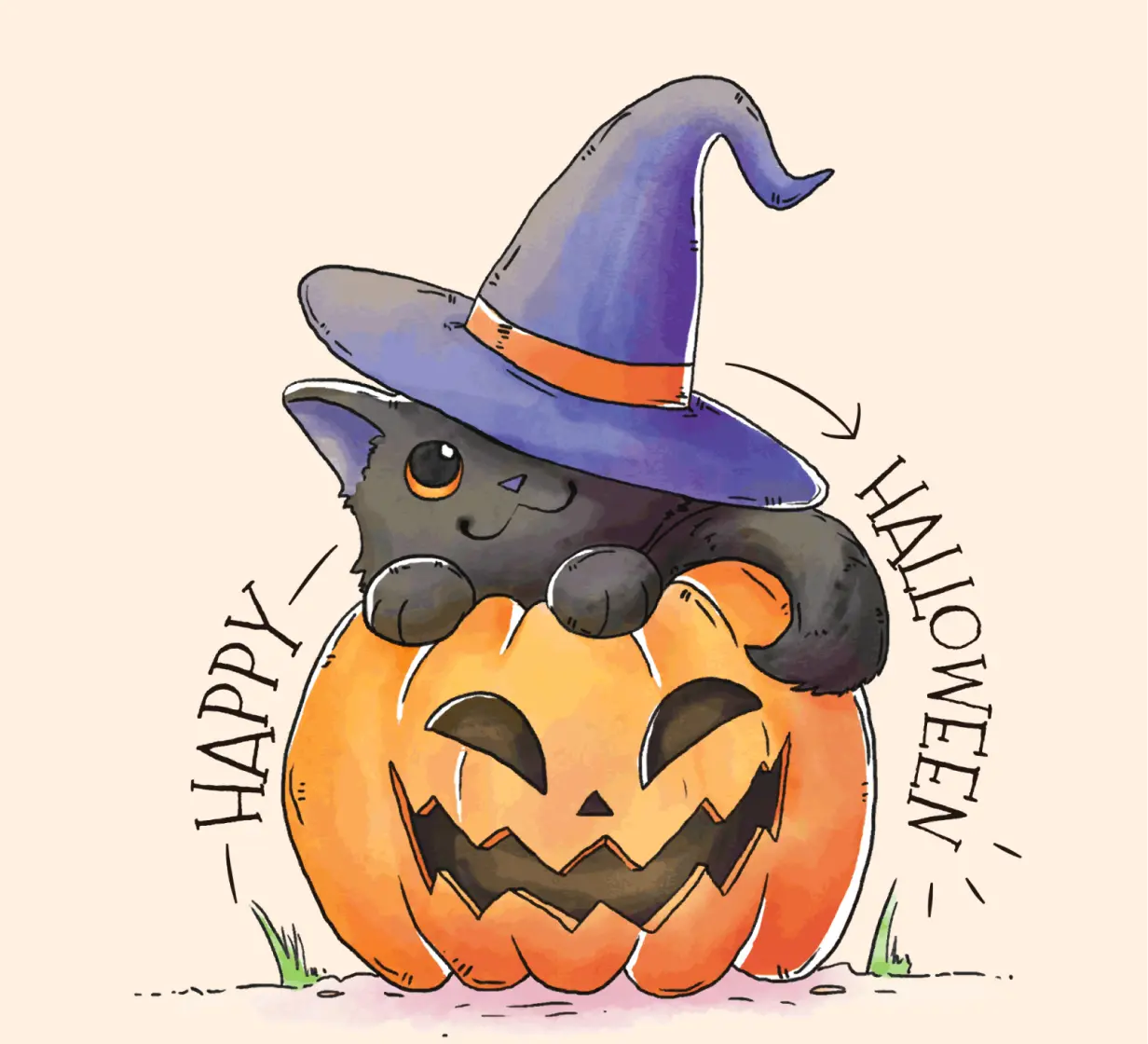
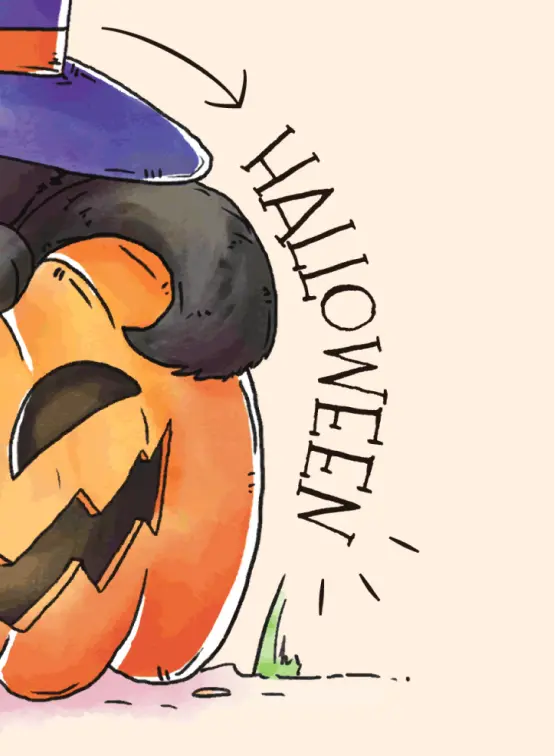

The image was initially generated with a resolution of 300 DPI, guaranteeing impeccable image quality.
Modifications are restricted to the following options: including more items in your order or altering the color of the graphics. Please note that additional charges and extended production times may be applicable, subject to minimum requirements. Once a payment has been processed, no further changes can be made. Any additions to your order subsequent to the initial placement will be treated as a separate order, potentially incurring supplementary fees.
We regret to inform you that we do not provide press checks. Art approvals will be dispatched via email within a reasonable timeframe subsequent to the placement of your order. Please ensure that the digital mock-up is reviewed and acknowledged with a response within 24 hours. Failure to approve the mock-up within this timeframe may result in a delay in the processing of your order.
Once approvals are confirmed or consented to via email, no further changes will be possible. It's important to note that Deluxe cannot be held responsible for any production delays that may occur due to delayed approval of the digital mock-up.
We kindly request that you meticulously inspect your mock-up for artwork accuracy, including aspects such as color, dimensions, spelling, and product information. Your attention to these details is greatly appreciated.